


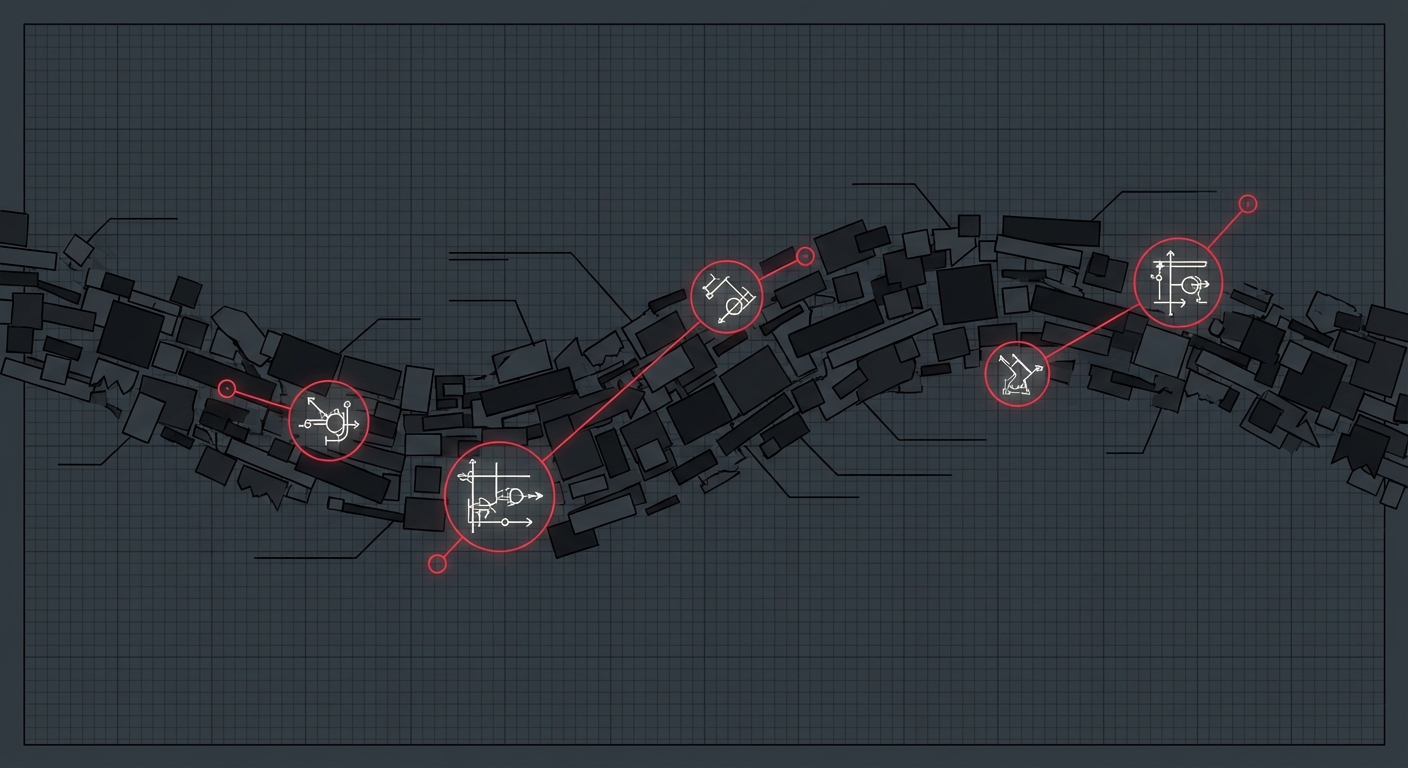
A 90-minute screen share produces thousands of frames. Most of them are someone’s face. Some are a desktop with Slack open. A few — maybe six — are the architecture diagram your team actually needs.
Finding those six frames is the core problem in PlanOpticon’s visual pipeline, and it’s harder than it sounds.
The naive approach doesn’t work
Sampling every Nth frame gives you too many duplicates and misses transitions. Pure change detection catches every mouse movement. And neither approach handles the most common case in real meetings: a presenter slowly scrolling through a document while talking. The pixels barely change, but the content is completely different every 30 seconds.
How we actually do it
PlanOpticon’s frame extractor runs three strategies simultaneously:
Change detection — We compute visual difference scores between consecutive frames. When the score spikes above a threshold, we capture the frame. This catches slide transitions, window switches, and diagram reveals.
Periodic capture — Even when change detection sees nothing interesting, we grab a frame every N seconds. This catches the slow-scrolling document problem. Configurable, defaults to 30 seconds.
Face filtering — OpenCV’s Haar cascade detects faces. If a frame is mostly webcam, we throw it away. This alone cuts frame count by 40-60% in typical meetings.
After extraction, each surviving frame gets sent to a vision model for classification. The model returns a confidence score: is this a diagram, a slide, a screenshot, or noise?
- High confidence (≥0.7): Full diagram analysis — the model extracts elements, relationships, text content, and generates Mermaid code to recreate it
- Medium confidence (0.3–0.7): Saved as a screen capture with a brief caption
- Low confidence (<0.3): Discarded
The Mermaid recreation
This is the part that surprised us. When you ask a vision model to look at an architecture diagram and produce Mermaid syntax, it actually works. Not perfectly — but well enough that the output is editable, searchable, and version-controllable. Your diagrams go from pixels trapped in a video file to text you can put in a PR.
We ran this on a real onboarding session: 122 frames survived extraction from thousands of candidates, 6 diagrams were recreated with Mermaid code, and the whole visual pipeline took about 4 minutes.
Next post: how we turn a transcript into a knowledge graph with 500+ entities without making 2,000 API calls.