


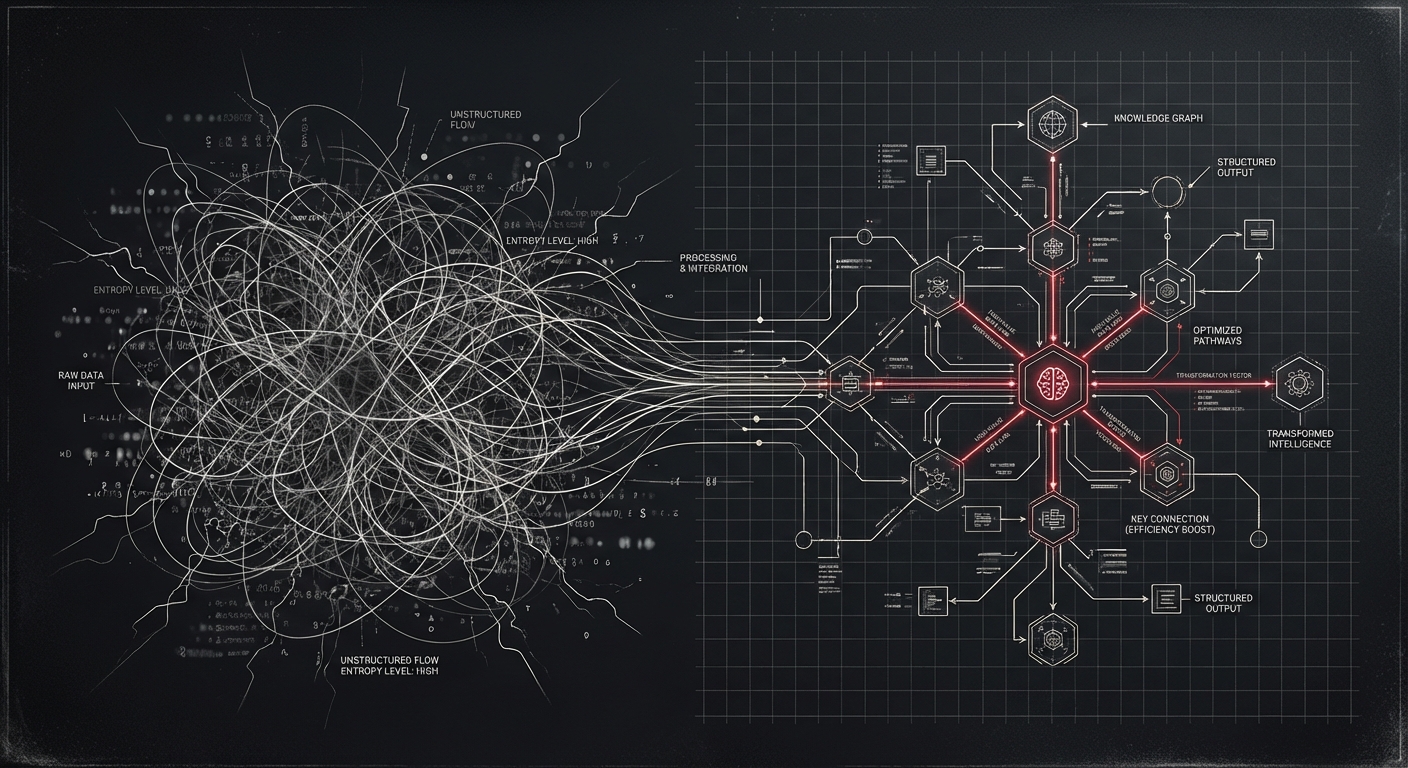
A 90-minute meeting transcript has about 1,100 segments. Each one contains people, technologies, decisions, and relationships between them. The information is there — it’s just buried in natural language, scattered across an hour of conversation.
PlanOpticon extracts all of it into a structured knowledge graph. Here’s how, and why the naive approach would have taken 3 hours.
The problem with segment-by-segment extraction
The obvious approach: send each transcript segment to an LLM, ask it to extract entities and relationships, merge the results. Simple.
With 1,100 segments, that’s 2,200 API calls (entities + relationships for each). At ~10 seconds per call, you’re looking at over 3 hours of extraction for a single meeting. That’s not a tool — that’s a batch job.
Batching changes everything
We made two optimizations that reduced the total from ~2,200 calls to ~110:
Combined extraction — Instead of separate entity and relationship prompts, we send a single prompt that extracts both in one JSON response. That’s a 2x reduction right there.
Segment batching — Instead of one segment per call, we combine 10 consecutive segments into a single prompt. The LLM gets more context (which actually improves extraction quality) and we get a 10x reduction in API calls.
The result: a 90-minute meeting with 1,100 segments processes in about 20 minutes. The knowledge graph from our test run had 540 entities and 688 relationships.
What’s in the graph
Every entity gets a type — person, concept, technology, organization, or time reference — along with descriptions and source attribution back to the transcript. Relationships connect them: “uses”, “manages”, “depends_on”, “created_by”.
In batch mode, PlanOpticon merges knowledge graphs across multiple videos. Process a week of meetings and you get a single graph showing how concepts, people, and decisions connect across sessions. That’s where it gets interesting — patterns emerge that no one person in any single meeting would have seen.
Checkpoint/resume
Long extractions fail sometimes. API rate limits, network issues, credit exhaustion — reality gets in the way. PlanOpticon checkpoints after each pipeline step. If it crashes at step 6, it picks up at step 6 on the next run. The frames, audio, transcript, and diagrams don’t get re-processed.
We learned this the hard way when our Anthropic credits ran out mid-extraction. Switched to Gemini, re-ran the command, and it skipped straight to where it left off.
The full picture
One command turns a video recording into: a searchable transcript, recreated diagrams, a knowledge graph, action items with owners, key points, and a formatted report. All structured, all linked, all version-controllable.
The code is open source. The approach is what matters.
pip install planopticon
planopticon analyze -i meeting.mp4 -o ./output